




Why Testing Your Server Speed Matters
When managing a Linux VPS or a dedicated server, you don’t always have the luxury of a graphical user interface (GUI) to open a browser and check Speedtest.net. However, monitoring your server’s network performance, bandwidth, and latency is crucial for maintaining a fast-loading website and ensuring your applications run smoothly.
Whether you are debugging a slow connection or verifying the SLA of your hosting provider, the command line is your best friend. In this guide, we will use the popular python tool speedtest-cli.
Stop struggling with slow connectivity. Upgrade to our high-performance cloud servers today.
Browse WPressly VPS Plans
Step 1: Install Python and Speedtest-cli
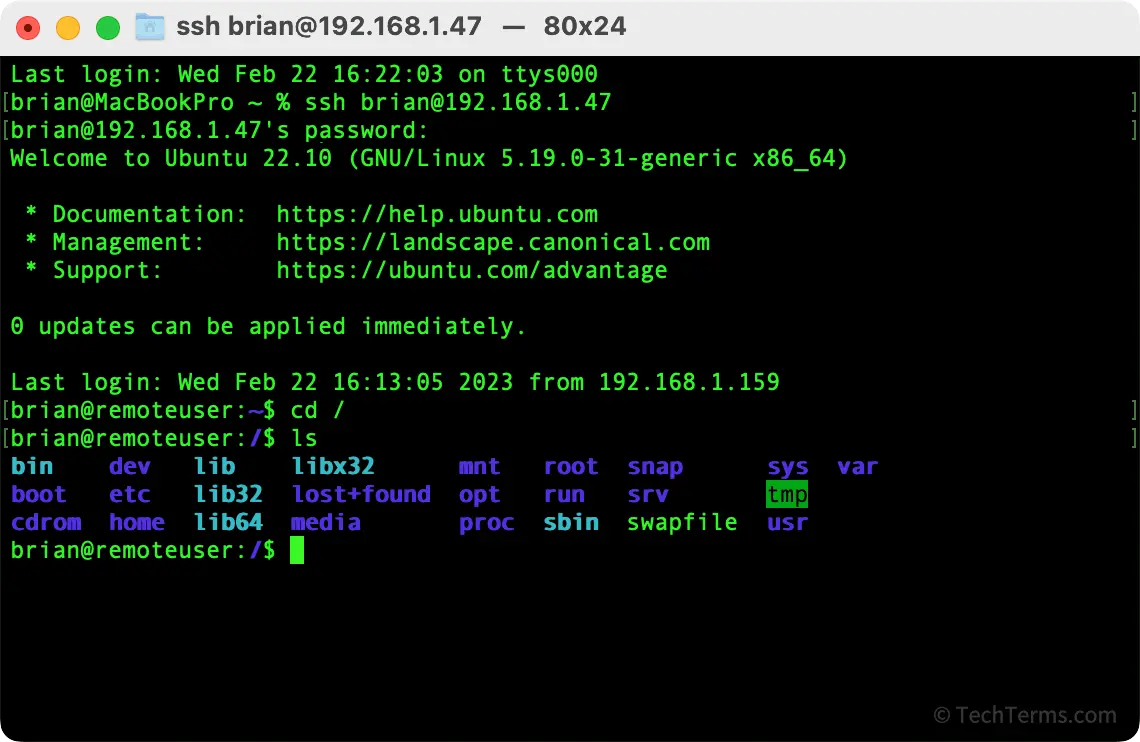
Most modern Linux distributions (Ubuntu, CentOS, Debian) come with Python installed. We will use pip to install the speed test tool. Log in to your server via SSH and run the following commands:
sudo apt-get install python3-pip  # For Ubuntu/Debian
sudo yum install python3-pip      # For CentOS/RHEL
Once pip is installed, install the speedtest-cli package:
sudo pip3 install speedtest-cliStep 2: Run the Speed Test
Now that the tool is installed, testing your internet speed is as simple as typing one command:
speedtest-cliThe system will automatically select the nearest server based on ping (latency) and test both your Download and Upload speeds.
Step 3: Advanced Options (Share Your Results)
If you need to send a report to your clients or your hosting support team, you can generate a shareable image result just like the browser version:
speedtest-cli --shareThis will output a PNG link containing your speed test results.
Conclusion
Using the command line to check your internet speed is faster, consumes fewer resources, and is essential for headless servers. If your current server isn’t delivering the speeds you paid for, it might be time to switch providers.
Need reliable hosting? Check out our affordable and fast hosting solutions:
- Get a Premium VPS (Perfect for Developers)
- Shared Web Hosting (Best for WordPress Sites)